You Deleted the App… But the Charges Didn’t Stop
You tried something new, didn’t love it, and did what seemed logical—deleted the app. Done, right? Then your bank statement shows another charge… and another. Now you’re wondering—didn’t deleting it cancel everything?
Why Am I Still Being Charged?
It feels like the app is somehow still “there,” doesn’t it? But here’s the catch—apps and subscriptions are actually two different things. Deleting one doesn’t always affect the other, which is where the confusion starts.
And "free trials" only add to the mix.

What Did That “Free Trial” Really Mean?
Free trials are a bit sneaky. They’re usually set up to automatically turn into a paid subscription unless you cancel before the trial ends. So the clock starts ticking the moment you sign up.
And how you signed up for the subscription matters, too.
Where Did You Sign Up—App Store or Website?
This part matters more than most people realize. Some subscriptions are handled through Apple or Google, while others are managed directly through the company’s website. That changes how you cancel them.
Deleting isn't the same thing as canceling.
Deleting vs. Canceling—Why They’re Not the Same
Think of it like canceling cable. Throwing out the remote doesn’t stop the bill—you have to actually cancel the service. Deleting the app just removes it from your phone, not your account.
So Where Is the Subscription Actually Stored?
Your subscription is tied to your account—either your Apple ID, Google account, or the app’s own system. It lives there, quietly renewing, whether the app is on your phone or not.
Could This Have Happened Automatically?
Yes—and it often does. Many people forget to cancel before the trial ends. Once that happens, billing starts, sometimes monthly, sometimes yearly, depending on what you agreed to.

Why Don’t They Make This More Obvious?
Good question. Companies *do* disclose it—but usually in small print. They rely on people forgetting or assuming deletion equals cancellation. It’s not illegal—but it definitely catches people off guard.
How Can You Check If You’re Subscribed Right Now?
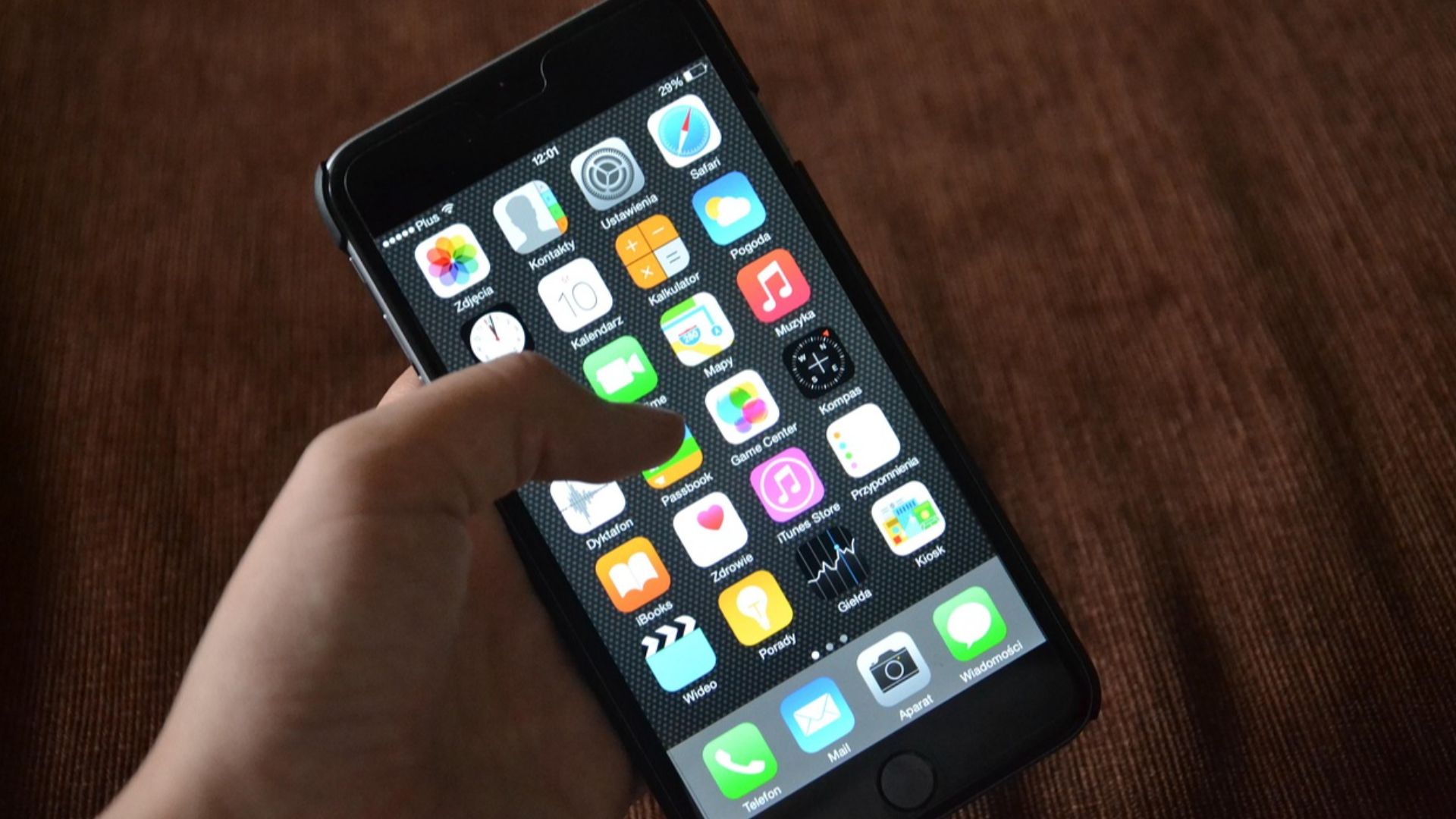
You can go into your phone’s settings and look under “Subscriptions.” That’s where you’ll see everything currently active. It’s a good habit to check this every so often—just in case.

What If You Don’t Even See the App Anymore?
That’s the tricky part. The app can be gone, but the subscription can still be active in the background. That’s why it keeps charging—even though it feels like you already got rid of it.
Can You Still Cancel It Now?
Yes, absolutely. Even if charges have already started, you can usually cancel anytime to stop future payments. The sooner you do it, the less you’ll be charged going forward.
Can You Get Your Money Back?
Sometimes. If the charge just happened, you may be able to request a refund through Apple, Google, or the company itself. It’s not guaranteed—but it’s definitely worth trying.

Why This Happens to So Many People
You’re not alone here. This is one of the most common tech-related frustrations, especially for people who didn’t grow up with subscription-based apps. The system isn’t always intuitive.

A Quick Reality Check—Did You Ever “Cancel”?
It’s worth asking yourself honestly—did you ever go through a cancellation step, or just delete the app and move on? That small difference is usually the entire issue.

What Should You Do Right Now?
Open your subscriptions list and see what’s active. Cancel anything you don’t recognize or don’t want. Then check your bank or credit card statement for any recent charges.
How to Avoid This in the Future
Set a reminder when you start a free trial. Even better, cancel it immediately after signing up—most trials still let you use the full period after canceling.
So… Doesn’t Deleting the App Cancel It?
No—that’s the key takeaway. Deleting the app does *not* cancel the subscription. You have to cancel it separately through your account settings or the service itself.

The Bottom Line Before Another Charge Sneaks In
It’s frustrating, but very common. Apps are easy to delete—but subscriptions stick around until you cancel them properly. Once you know that, it’s much easier to stay in control of your money.

You May Also Like: