You Checked Your Bank Balance… On Airport WiFi
You’re sitting at the gate, killing time before your flight, and you quickly check your bank account on the airport’s free WiFi. Seems harmless, right? Then it hits you—did you just accidentally hand your banking info over to hackers? How secure is the airport WiFi, really?
Is Airport WiFi Actually That Risky?
Public WiFi isn’t automatically dangerous, but it’s definitely less secure than your home network. It’s open, shared, and used by tons of people, which makes it a more appealing target for anyone trying to snoop around.
But that doesn't necessarily mean you're safe.
What Could Someone Actually See?
It depends on what you were doing. If a website isn’t secure, someone could potentially see your activity. But if it is secure—like most banking sites—your information is encrypted and much harder to access.
What does "secure" even mean?
What To Look For
If you saw “https://” and a little lock icon in your browser, that’s a good sign. It means your connection was encrypted. Most banks use strong security, so your data is protected even on public WiFi.
So… Did you just expose your info?
A Bank App, Not Likely
Probably not. If you used your bank’s official app or website, your information was likely encrypted the whole time. That makes it very difficult for anyone to actually read what you were doing.
But there is still a risk.
What’s the Big Risk Everyone Talks About?
You might hear about “man-in-the-middle” attacks. That’s when someone tries to intercept your connection. It can happen on public WiFi, but encryption makes it very hard to pull off successfully.
There's one thing to watch for.

The Bigger Risk
One of the real dangers is connecting to a fake network. Hackers sometimes create WiFi names that look official. If you connect to one of those, they can monitor what you’re doing more easily.
It's important to pay attention to what you're click on.

Did You Use the Official Network?
If you connected to the airport’s real WiFi, you’re likely fine. If you clicked on a random or oddly named network, there’s a bit more risk—but still not a guarantee anything bad happened.
How you navigate to your bank account matters, too.

App vs. Browser—Does It Matter?
Yes. Banking apps are usually safer than using a browser. They’re designed with extra security features, so they’re harder for attackers to mess with.
Should You Avoid Public WiFi Completely?
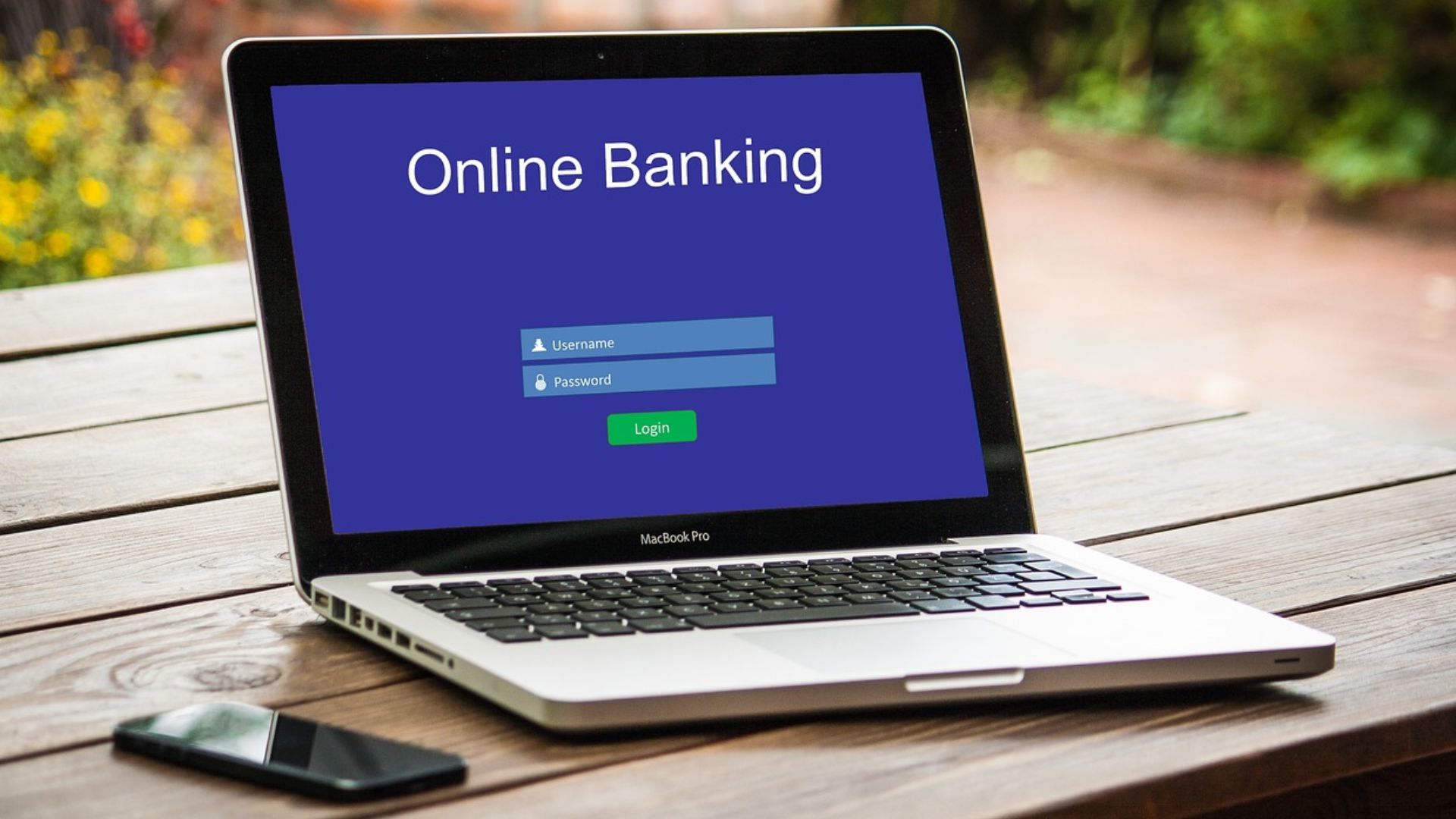
Not really. It’s fine for basic stuff. But for sensitive things like banking, it’s better to be cautious and limit how often you do it on public networks.
What Should You Do Right Now?
Take a quick look at your bank account. Check for anything unusual. Most banks also send alerts for suspicious activity, so you’d likely know pretty quickly if something was wrong.
Should You Change Your Password?
It’s not a bad idea. Even if nothing happened, changing your password is a simple way to give yourself some extra peace of mind.
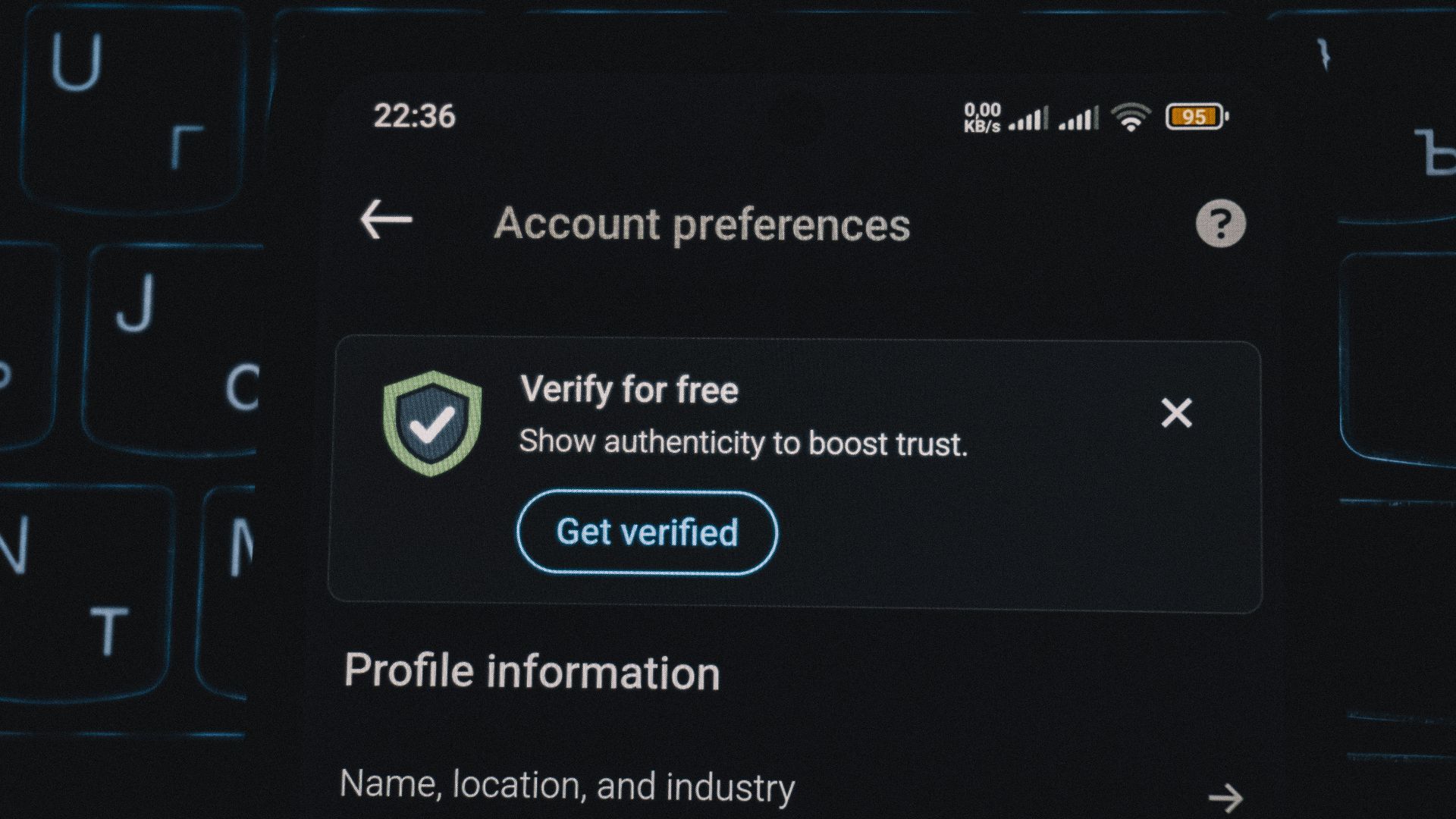
Turn On Extra Security If You Haven’t
If your bank offers two-factor authentication, use it. That way, even if someone somehow got your password, they still couldn’t get into your account.
What About Viruses or Malware?
That’s less of a concern here. You usually need to download something sketchy or click a bad link to get malware. Just checking your balance on a legit site won’t do that.
Why Airports Get a Bad Reputation
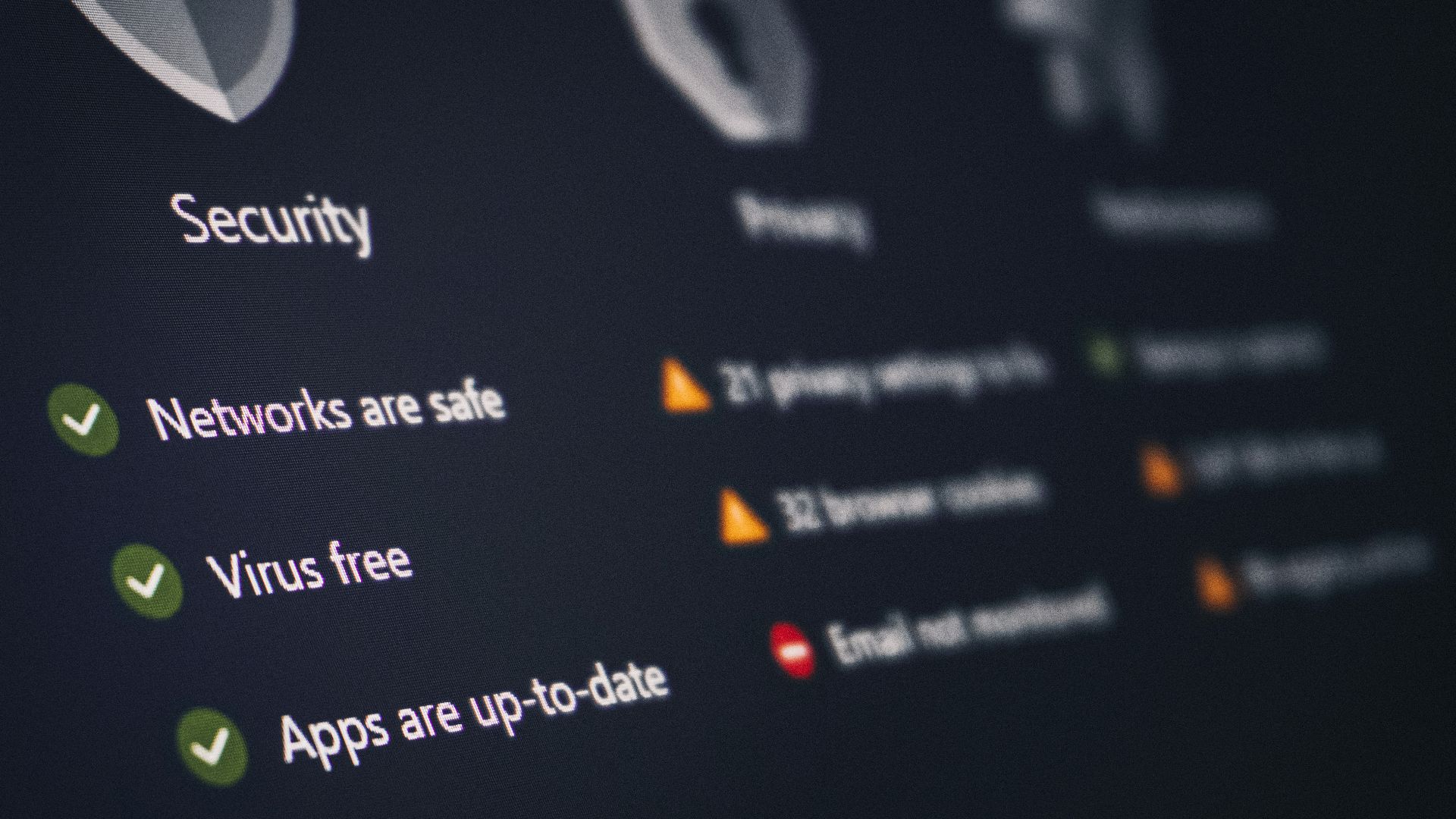
Airports are busy, people are distracted, and everyone’s looking for free WiFi. That makes them an easy place for scammers to try their luck—but it doesn’t mean every connection is unsafe.
What Should You Do Next Time?
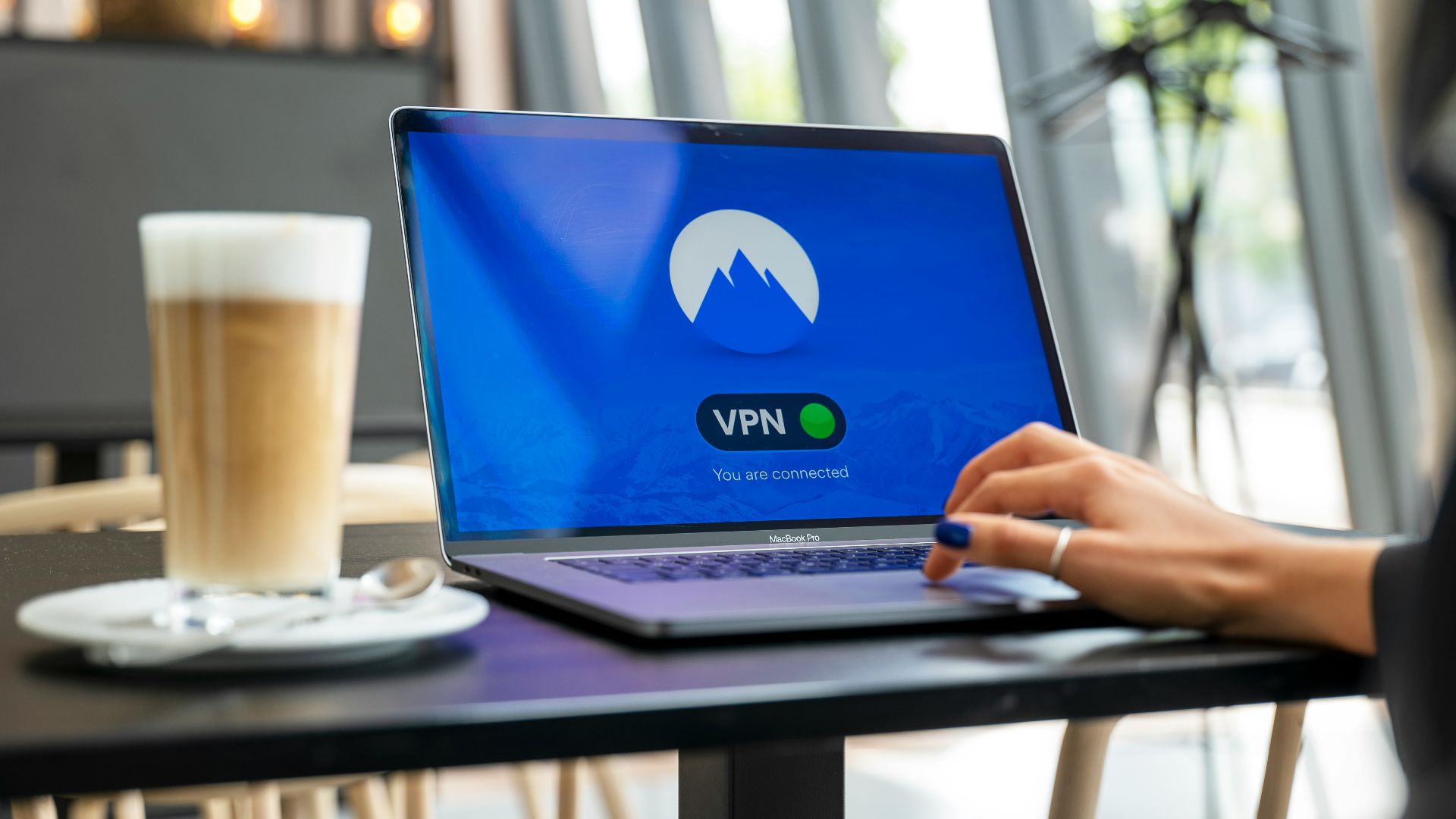
If you can, use your phone’s data instead of public WiFi for banking. Or use a VPN, which adds another layer of protection and keeps your connection more private.
So… Did You Mess Up?
Honestly, no. If you used a secure site or app on the real airport WiFi, you’re probably completely fine. The risk is there—but it’s not as extreme as it sounds.
The Bottom Line Before You Start Panicking
Checking your bank balance on airport WiFi isn’t ideal—but it’s not a disaster either. You’re likely safe, especially if you used a secure connection. Just be a bit more cautious next time and you’ll be fine.
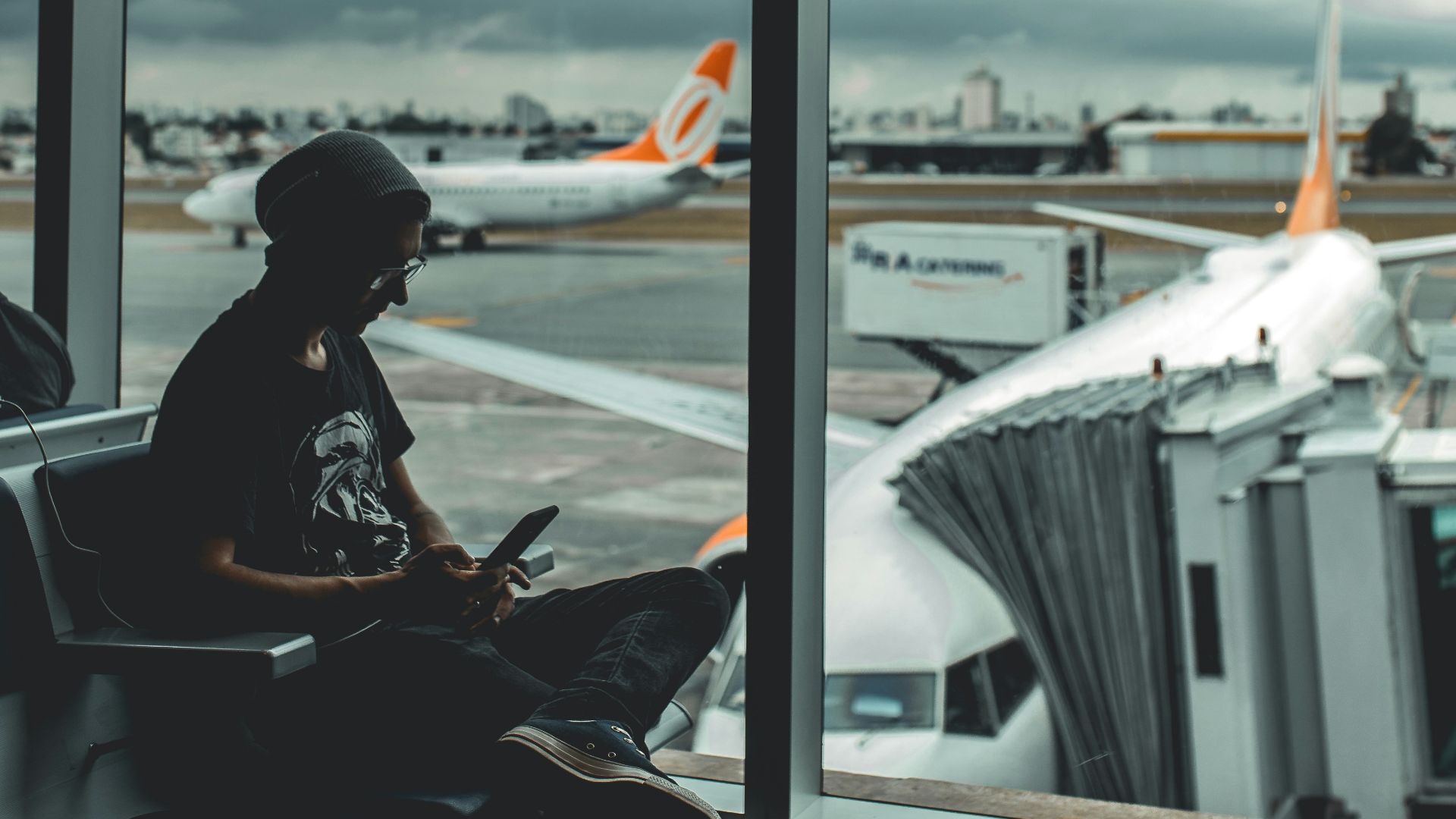 Guilherme Stecanella, Unsplash
You May Also Like: