
That shiny new smartphone might feel like a well-deserved upgrade, especially when your carrier offers an attractive trade-in deal. But replacing a perfectly good phone every two years can quietly drain thousands of dollars from your budget. Between installment payments, expensive wireless plans, and the hidden costs of upgrading, your smartphone habit might be costing far more than you realize. Here's how to break the cycle without sacrificing the technology you actually need.
The Two-Year Upgrade Trap
Phone companies have made upgrading feel like a routine expense. Once your installment payments end, another model arrives promising a better camera, faster processor, or exciting new features. But just because you're eligible for an upgrade doesn't mean you need one. If your current phone still handles calls, messages, banking, navigation, and everyday apps, replacing it may accomplish little more than restarting an expensive payment cycle.
Do The Five-Year Math
Suppose you buy a $1,000 smartphone every two years. Over ten years, that's five purchases totaling $5,000 before taxes, accessories, or trade-in credits. Stretch each phone's useful life to five years, and you'd buy just two, spending $2,000. That's a potential $3,000 difference. Actual savings depend on resale values, repairs, discounts, and when purchases occur, but the arithmetic illustrates how quickly frequent upgrades like this can add up.
Monthly Payments Hide The Price
A $1,000 phone financed over 36 months costs about $27.78 monthly before interest or fees. That might seem manageable alongside your wireless bill, but the total purchase price hasn't changed. Worse, some promotional discounts arrive as monthly bill credits rather than upfront savings. If you leave your carrier early, you could lose remaining credits and still owe a device balance. Always compare the full cost, not just the advertised monthly payment.
Your Battery Might Be The Problem
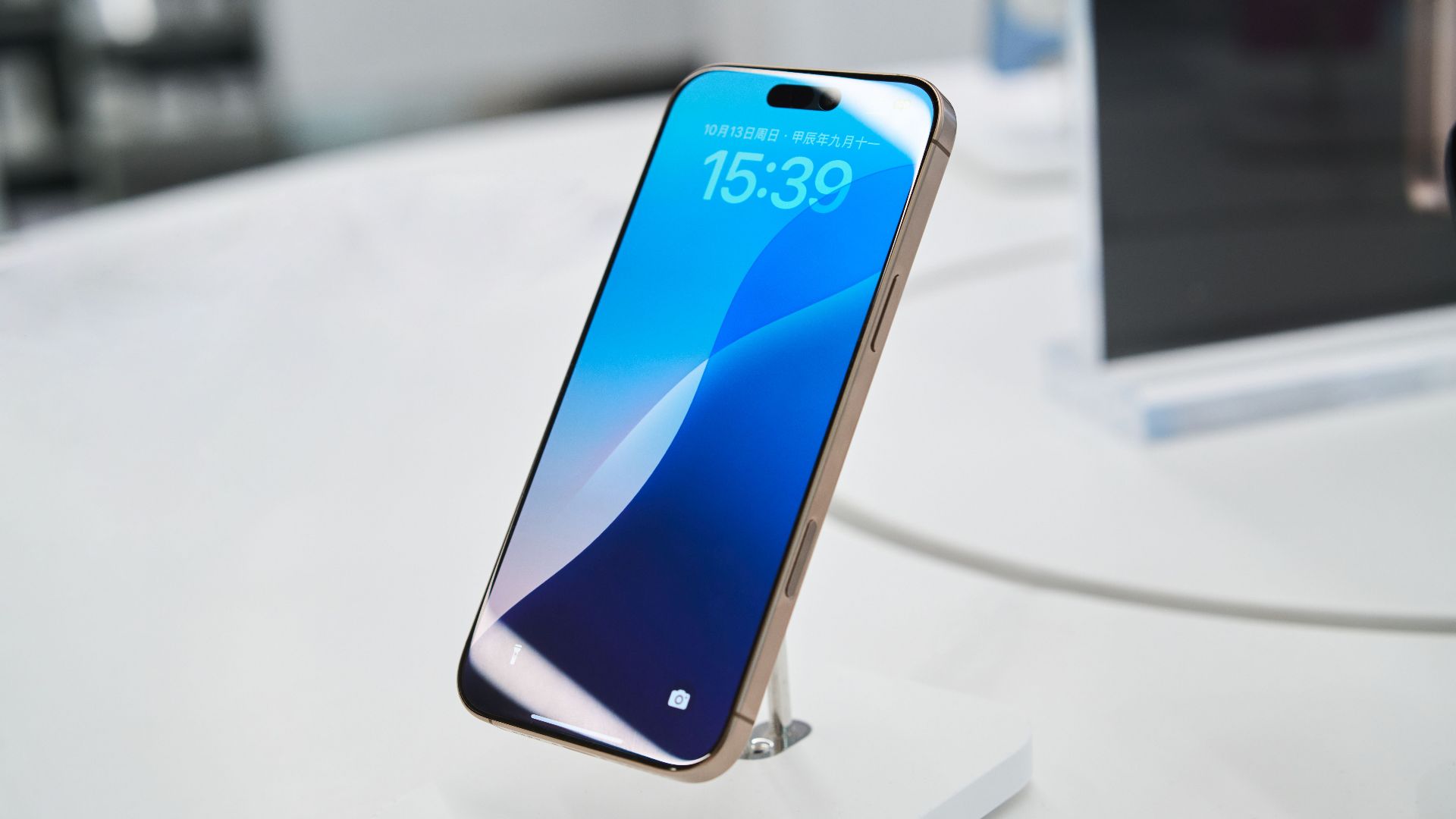
A weakening battery is one of the biggest reasons why people replace otherwise functional phones, but a battery replacement can cost far less than a new device. Apple explains that rechargeable batteries gradually lose capacity, while Consumer Reports recommends considering replacement when the rest of your phone is still in good condition. Before spending hundreds on an upgrade, check your battery health and obtain a repair estimate. A relatively modest repair could buy you several more years.
New Phones Can Last Longer
Modern smartphones aren't necessarily obsolete after two years. Google promises seven years of operating system and security updates for Pixel 8 and later models, while Samsung introduced similarly extended support with its Galaxy S24 series. That doesn't guarantee every phone will remain trouble-free for seven years, but it shows how much longer manufacturers increasingly expect their devices to remain useful. Check your particular model's update schedule before deciding whether replacement is necessary.
Trade-In Deals Have Strings
A generous trade-in offer can make upgrading look irresistible, especially when advertisements promise a new phone at little or no cost. But read the conditions carefully. You may need an eligible device, a qualifying wireless plan, or several years of service to receive the full promotional value. Compare that offer with buying an unlocked phone and choosing a cheaper plan. A supposedly free upgrade isn't necessarily a bargain if it keeps you paying more for wireless service.
Don't Forget The Extras
A new smartphone rarely arrives alone. You might buy a replacement case, screen protector, charging accessories, or additional storage. Some people also increase their device insurance coverage when purchasing an expensive model. These expenses aren't always enormous individually, but they make repeated upgrades more costly. Before replacing your phone, calculate the complete purchase price, including sales tax and accessories, then subtract only discounts you're certain you'll actually receive.

Know When Upgrading Makes Sense
Keeping a phone forever isn't the goal. Replacement may be sensible when security updates end, essential apps stop working, repairs become uneconomical, or the device no longer meets your needs. A damaged phone requiring several expensive repairs may be a poor candidate for continued use. But if your only complaint is that a newer model exists, consider waiting another year. The best upgrade schedule is based on usefulness, not advertising.
Put The Savings Somewhere Better
Instead of automatically replacing your phone every two years, try planning for four or five years of ownership when your device's condition and software support allow it. Set aside a small monthly amount for eventual replacement, and use the money you aren't spending on upgrades to build emergency savings or reduce debt. You don't have to give up modern technology to spend less. Sometimes the smartest financial decision is simply keeping the phone already in your pocket.
You May Also Like:
The Careless Money Leaks That Eat At Retirement Savings
Things People Buy To Save Money That Often Cost More In The Long Run—Are You A Smart Shopper?